Parameters
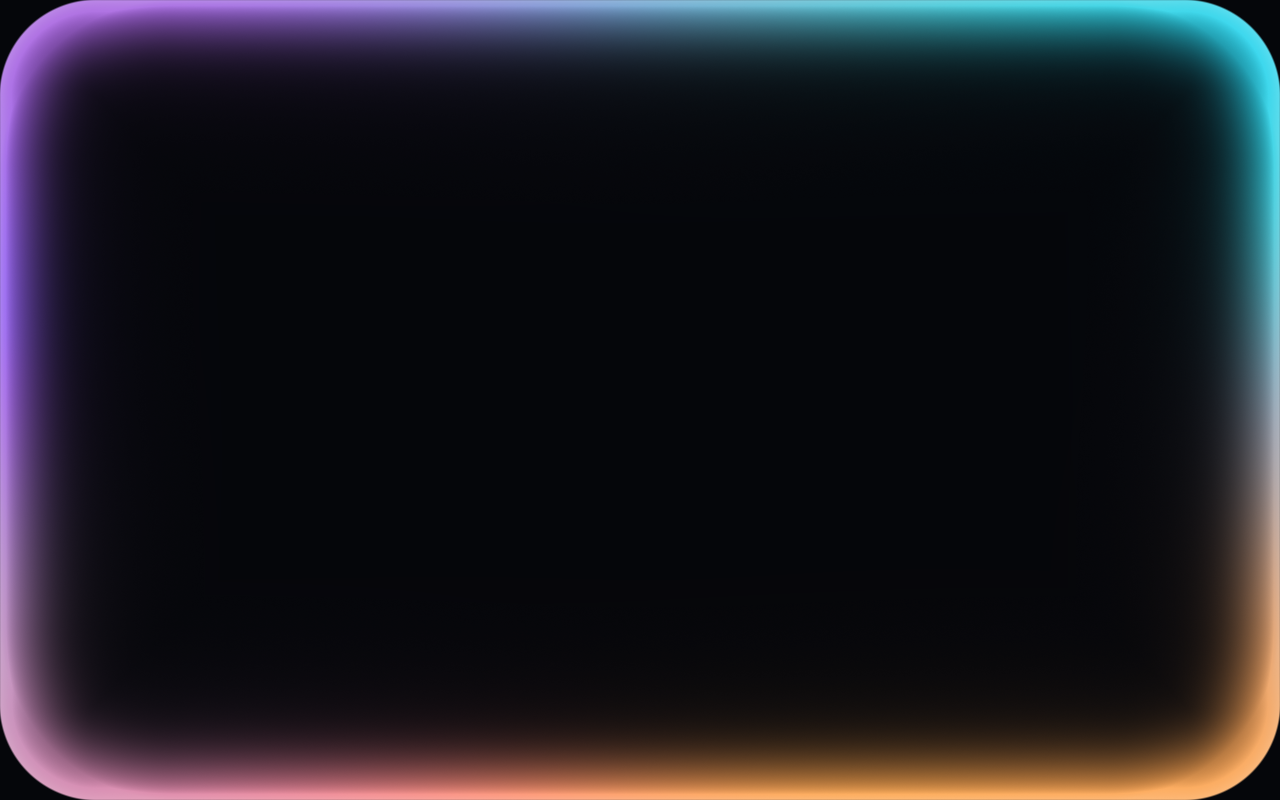
How far the glow reaches in from the edge while active, in logical pixels. It is about 60% of this while idle.
How the glow fades towards the middle: 0 is a crisp band, 1 a long, airy haze.
How fast the colours travel around the edge and the glow breathes. 0 holds it still.
The radius of the rounded rectangle the glow follows. Match it to the device's screen corners when used full screen.
How strongly the glow shows.
Whether the assistant is engaged: the glow brightens and thickens, easing between the two states. Pass level (0 to 1) each frame to make it swell with the voice.
Drawn behind the glow when there is no child.
Loading Preview…
Send to your coding agent
Add Sheen's MCP server once, then paste the prompt. No key or account needed.
Run in your project (Claude Code)
claude mcp add --transport http sheen https://sheen.ciroapps.com/api/mcp
Then ask your agent
Use the Sheen MCP server to add the AI Glow Edge Component to this Flutter app. Call get_export with componentId "ai-glow-edge" and parameters {"colorA":"FF6B9E","colorB":"7C5CFF","colorC":"22D3EE","colorD":"FBBF24","thickness":30,"softness":0.55,"speed":0.6,"cornerRadius":48,"intensity":0.9,"active":true,"background":"05060A"}, then follow the install steps it returns. (Tuned in the Sheen Playground: https://sheen.ciroapps.com/c/ai-glow-edge?colorA=FF6B9E&colorB=7C5CFF&colorC=22D3EE&colorD=FBBF24&thickness=30&softness=0.55&speed=0.6&cornerRadius=48&intensity=0.9&active=true&background=05060A)