Parameters
The badge's outline.
The built-in emblem on the face; in an app you can pass your own widget as the child instead.
The badge's width and height; the glow and sparkles use some room around it.
The metal of the rim; its gradient, the glow and the sparkles are made from this.
The colour of the face inside the rim.
The colour of the built-in emblem.
The colour of the title; the subtitle is a softer shade of it.
How strongly the glow blooms behind the badge as it unlocks; 0 turns it off.
How many gold sparkles burst out when it unlocks; 0 plays none.
Lets you drag on the unlocked badge to tilt it in perspective, with its highlight following; it springs back when let go.
The most the badge turns, in degrees, when the finger is at its edge.
How much the unlock scale and the tilt overshoot as they settle.
What the badge is called, fading up beneath it as it unlocks; empty shows none.
A line under the title; empty shows none.
Loading Preview…
Send to your coding agent
Add Sheen's MCP server once, then paste the prompt. No key or account needed.
claude mcp add --transport http sheen https://sheen.ciroapps.com/api/mcp
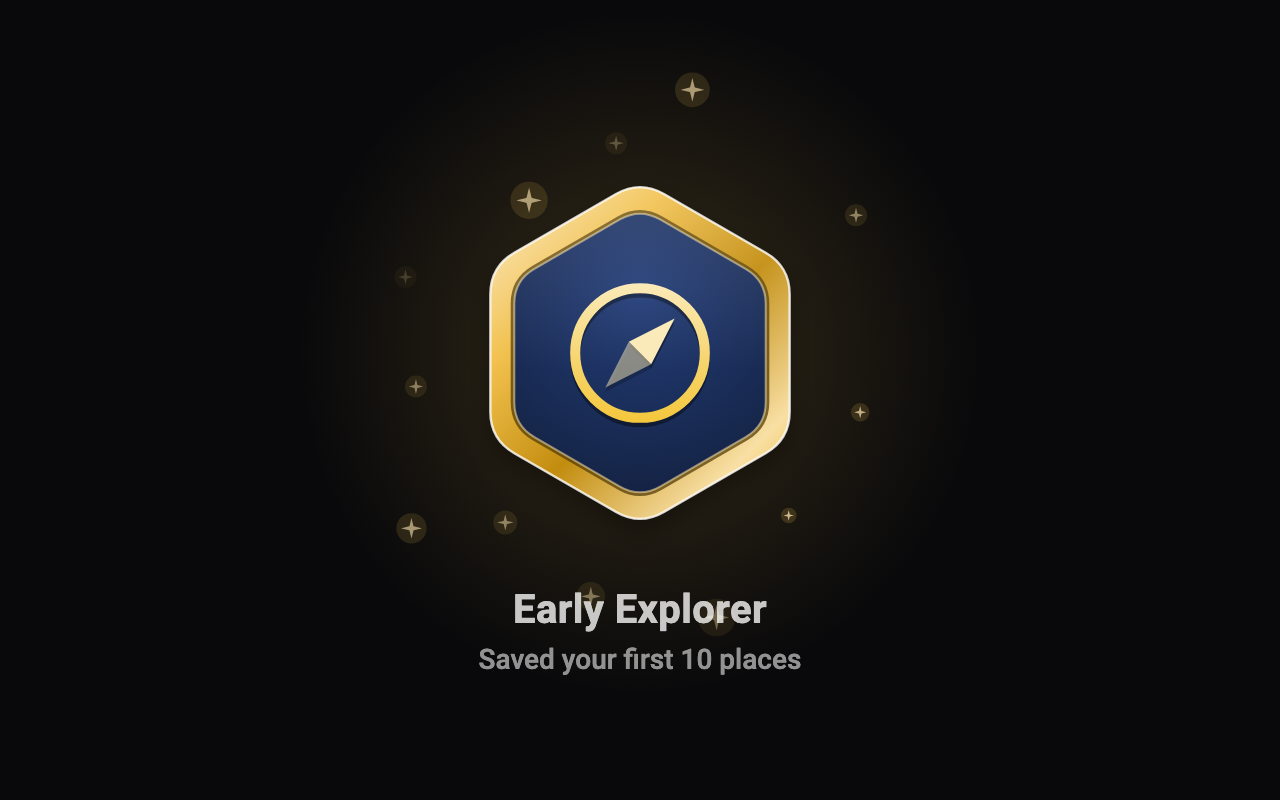
Use the Sheen MCP server to add the Badge Unlock Component to this Flutter app. Call get_export with componentId "badge-unlock" and parameters {"shape":"hexagon","icon":"compass","size":180,"rimColor":"F2C14E","faceColor":"16264A","emblemColor":"F7D774","textColor":"FFFFFF","glow":0.8,"celebrate":0.8,"tiltable":true,"maxTilt":18,"bounciness":0.5,"title":"Early Explorer","subtitle":"Saved your first 10 places"}, then follow the install steps it returns. (Tuned in the Sheen Playground: https://sheen.ciroapps.com/c/badge-unlock?shape=hexagon&icon=compass&size=180&rimColor=F2C14E&faceColor=16264A&emblemColor=F7D774&textColor=FFFFFF&glow=0.8&celebrate=0.8&tiltable=true&maxTilt=18&bounciness=0.5&title=Early+Explorer&subtitle=Saved+your+first+10+places)