Parameters
The first bar's value. The seven values are the chart's default data; pass `data:` in code to chart your own, of any length.
The second bar's value.
The third bar's value.
The fourth bar's value.
The fifth bar's value.
The sixth bar's value.
The seventh bar's value. The tallest bar always reaches the top of the chart; the others are drawn in proportion to it.
The labels under the bars, separated by commas, in bar order. Leave empty to hide the row. Pass `labels:` in code to set them as a list.
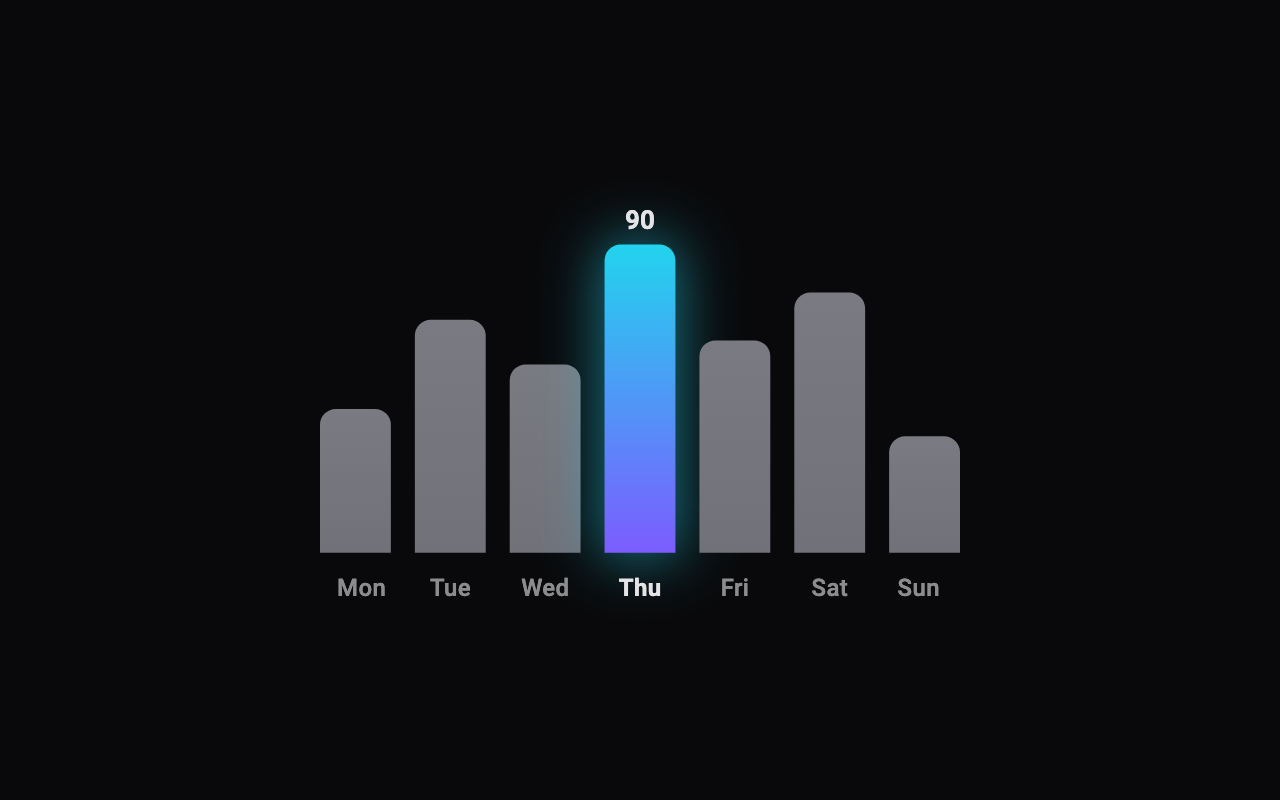
Which bar is drawn in the gradient with a glow, counting from 0.
Shows the highlighted bar's value just above it, riding up with the bar as it grows.
The muted colour of every bar but the highlighted one.
The highlighted bar's colour at the baseline.
The highlighted bar's colour at its top, and the colour of its glow.
The colour of the value and of the highlighted bar's label; the other labels are a dimmer shade of it.
How round the tops of the bars are. Never more than half a bar's width.
The gap between neighbouring bars. In a narrow space the gap shrinks so the bars stay visible.
Seconds between one bar starting to grow and the next, the first time the chart appears. 0 grows them together.
The chart's width. In a smaller space, the chart shrinks to fit; pass double.infinity in code to fill the space it's given.
The chart's height, labels included.
Loading Preview…
Send to your coding agent
Add Sheen's MCP server once, then paste the prompt. No key or account needed.
claude mcp add --transport http sheen https://sheen.ciroapps.com/api/mcp
Use the Sheen MCP server to add the Bar Chart Component to this Flutter app. Call get_export with componentId "bar-chart" and parameters {"value1":42,"value2":68,"value3":55,"value4":90,"value5":62,"value6":76,"value7":34,"labelsText":"Mon,Tue,Wed,Thu,Fri,Sat,Sun","highlight":3,"showValues":true,"barColor":"71717A","highlightColorA":"7C5CFF","highlightColorB":"22D3EE","labelColor":"E4E4E7","cornerRadius":8,"spacing":12,"stagger":0.06,"width":320,"height":200}, then follow the install steps it returns. (Tuned in the Sheen Playground: https://sheen.ciroapps.com/c/bar-chart?value1=42&value2=68&value3=55&value4=90&value5=62&value6=76&value7=34&labelsText=Mon%2CTue%2CWed%2CThu%2CFri%2CSat%2CSun&highlight=3&showValues=true&barColor=71717A&highlightColorA=7C5CFF&highlightColorB=22D3EE&labelColor=E4E4E7&cornerRadius=8&spacing=12&stagger=0.06&width=320&height=200)