Parameters
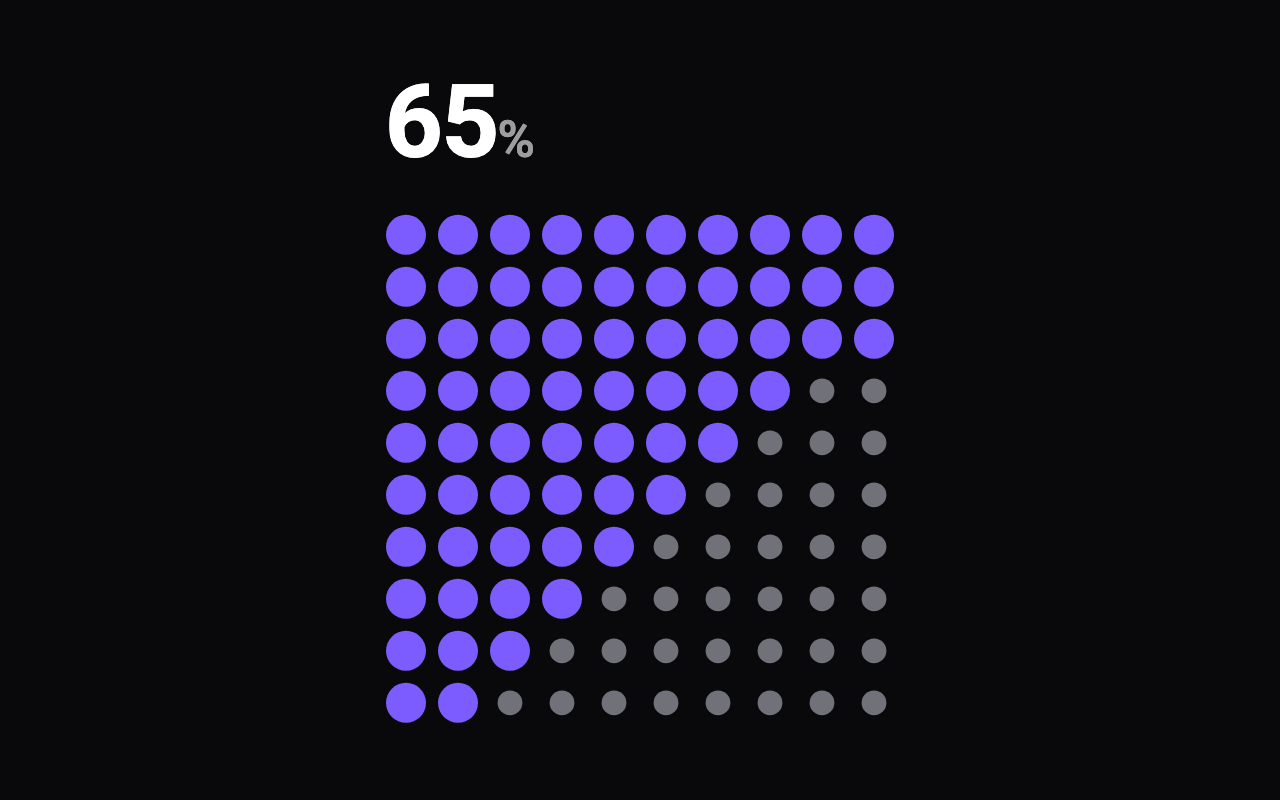
Waffle fills dots to show a percentage; streak is a calendar of 7 rows by the number of columns in weeks, coloured from the streak argument (sample data until you pass your own).
In waffle mode, the percentage of dots that are filled; change it to watch the dots fill or empty in a ripple.
Dots across. In streak mode this is the number of weeks.
Dots down, in waffle mode. A streak calendar always has 7, one for each day of the week.
Round dots or rounded squares.
The diameter of a dot. In a smaller space the whole grid shrinks to fit.
The space between dots.
The order the dots fill in: row by row, in a diagonal wave from the top left, scattered at random, or outwards from the centre.
The colour of a filled dot; in streak mode, of the most intense days.
The colour of an empty dot. The default reaches 3:1 against dark surfaces; keep that if you change it.
Shows the big number counting up in step with the dots: the percentage, or in streak mode the days in the current streak.
Whether the number sits above the grid or beside it.
The colour of the number.
Seconds the ripple takes to travel across the grid; each dot then takes a moment more to settle.
Loading Preview…
Send to your coding agent
Add Sheen's MCP server once, then paste the prompt. No key or account needed.
claude mcp add --transport http sheen https://sheen.ciroapps.com/api/mcp
Use the Sheen MCP server to add the Dot Grid Component to this Flutter app. Call get_export with componentId "dot-grid" and parameters {"mode":"waffle","value":65,"columns":10,"rows":10,"shape":"circle","dotSize":20,"gap":6,"fillOrder":"diagonal","activeColor":"7C5CFF","inactiveColor":"71717A","showNumber":true,"numberPosition":"above","numberColor":"FFFFFF","duration":1.4}, then follow the install steps it returns. (Tuned in the Sheen Playground: https://sheen.ciroapps.com/c/dot-grid?mode=waffle&value=65&columns=10&rows=10&shape=circle&dotSize=20&gap=6&fillOrder=diagonal&activeColor=7C5CFF&inactiveColor=71717A&showNumber=true&numberPosition=above&numberColor=FFFFFF&duration=1.4)