Parameters
How tall the sheet is when collapsed, in logical pixels.
How tall the sheet is at its medium detent, as a fraction of the area it sits in. It stays between the collapsed and expanded heights.
How tall the sheet is when expanded, as a fraction of the area it sits in.
Where the sheet rests: collapsed, part way up or expanded. Medium or large takes precedence over Start expanded. Changing it later moves the sheet.
Whether the sheet starts expanded, at its large detent, while Detent is small. Changing it later moves the sheet.
How far the sheet floats from the sides and bottom at its small and medium detents, with all four corners rounded. It always spans the full width when expanded. 0 keeps it edge to edge.
Show a grab handle at the top. Without it the sheet still drags, and tapping its top edge still toggles it.
How much the glass frosts what's behind it.
How strongly the glass bends what's behind it near its edges, from flat to the most its rim can show.
How much of the tint colour shows in the glass.
How bright the lit edge of the glass is.
The radius of the sheet's top corners, and of its bottom corners while it floats.
How much shadow the sheet casts on what's around it.
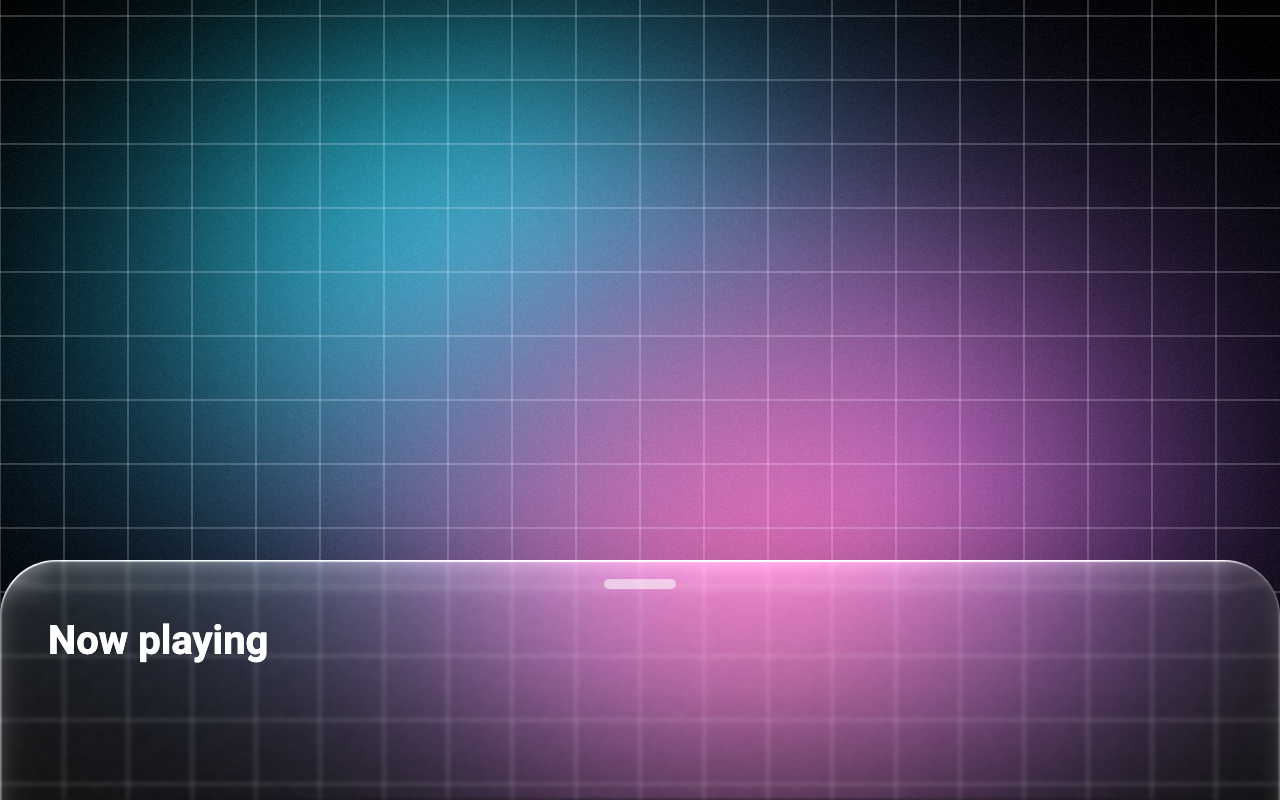
Loading Preview…
In the browser this Preview is drawn from a snapshot of the scene behind it. On iOS and Android the Export works on your real content, live.
Send to your coding agent
Add Sheen's MCP server once, then paste the prompt. No key or account needed.
claude mcp add --transport http sheen https://sheen.ciroapps.com/api/mcp
Use the Sheen MCP server to add the Glass Bottom Sheet Component to this Flutter app. Call get_export with componentId "glass-bottom-sheet" and parameters {"collapsedHeight":120,"mediumFraction":0.5,"expandedFraction":0.85,"detent":"small","expanded":false,"inset":0,"handle":true,"blur":2,"refraction":0.7,"tint":"FFFFFF","tintStrength":0.06,"rim":0.7,"cornerRadius":28,"shadow":0.4}, then follow the install steps it returns. (Tuned in the Sheen Playground: https://sheen.ciroapps.com/c/glass-bottom-sheet?collapsedHeight=120&mediumFraction=0.5&expandedFraction=0.85&detent=small&expanded=false&inset=0&handle=true&blur=2&refraction=0.7&tint=FFFFFF&tintStrength=0.06&rim=0.7&cornerRadius=28&shadow=0.4)