Parameters
The tab selected at first, counting from 0. Past the last tab, the last tab is selected.
How much the glass frosts what's behind it.
How strongly the glass bends what's behind it near its edges.
32 makes a pill.
Shrinks the bar to a pill when the content behind it scrolls down, and expands it on scrolling up. Needs the content's scrollController.
Shows the bar as a pill with only the selected tab's icon. Changing it later springs the bar between the two.
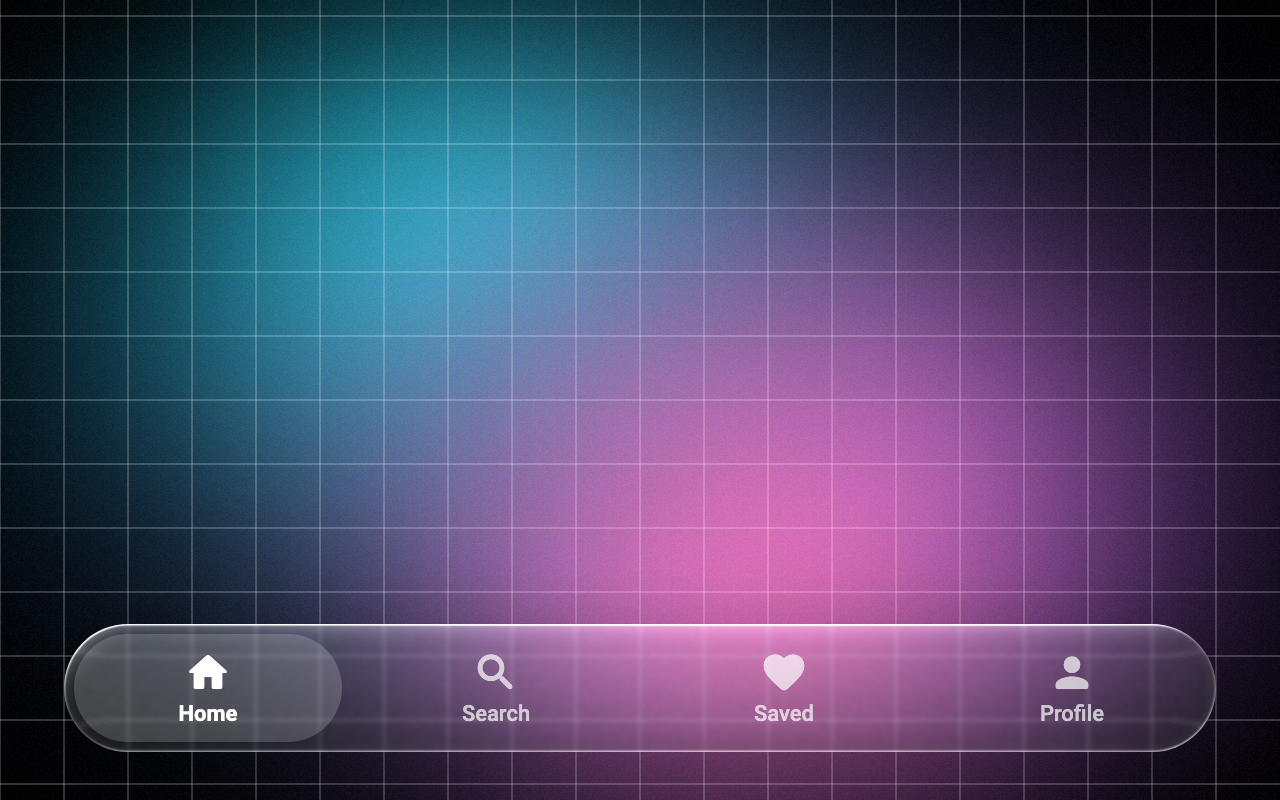
Loading Preview…
In the browser this Preview is drawn from a snapshot of the scene behind it. On iOS and Android the Export works on your real content, live.
Send to your coding agent
Add Sheen's MCP server once, then paste the prompt. No key or account needed.
Run in your project (Claude Code)
claude mcp add --transport http sheen https://sheen.ciroapps.com/api/mcp
Then ask your agent
Use the Sheen MCP server to add the Glass Tab Bar Component to this Flutter app. Call get_export with componentId "glass-tab-bar" and parameters {"tabCount":4,"selected":0,"label1":"Home","icon1":"home","label2":"Search","icon2":"search","label3":"Saved","icon3":"heart","label4":"Profile","icon4":"person","label5":"Settings","icon5":"settings","blur":2,"refraction":0.7,"tint":"FFFFFF","tintStrength":0.08,"rim":0.7,"cornerRadius":32,"shadow":0.4,"minimizeOnScroll":false,"minimized":false}, then follow the install steps it returns. (Tuned in the Sheen Playground: https://sheen.ciroapps.com/c/glass-tab-bar?tabCount=4&selected=0&label1=Home&icon1=home&label2=Search&icon2=search&label3=Saved&icon3=heart&label4=Profile&icon4=person&label5=Settings&icon5=settings&blur=2&refraction=0.7&tint=FFFFFF&tintStrength=0.08&rim=0.7&cornerRadius=32&shadow=0.4&minimizeOnScroll=false&minimized=false)