Parameters
Shown inside the empty field, and above the text once it is focused or filled. Screen readers read it as the field's name.
The icon before the text.
The cursor, the focused label and the glow around the focused field.
The text, the label, the icon and the clear button.
How much the glass frosts what's behind it; more keeps the text readable over busy backgrounds.
How strongly the glass bends what's behind it near its edges, from flat to the most its rim can show.
How much of the tint colour shows in the glass.
How bright the lit edge of the glass is at rest. Focus brightens it further.
28 makes a pill at the standard height.
How strong the accent-coloured glow around the focused field is; 0 for none.
How much shadow the glass casts on what's below it.
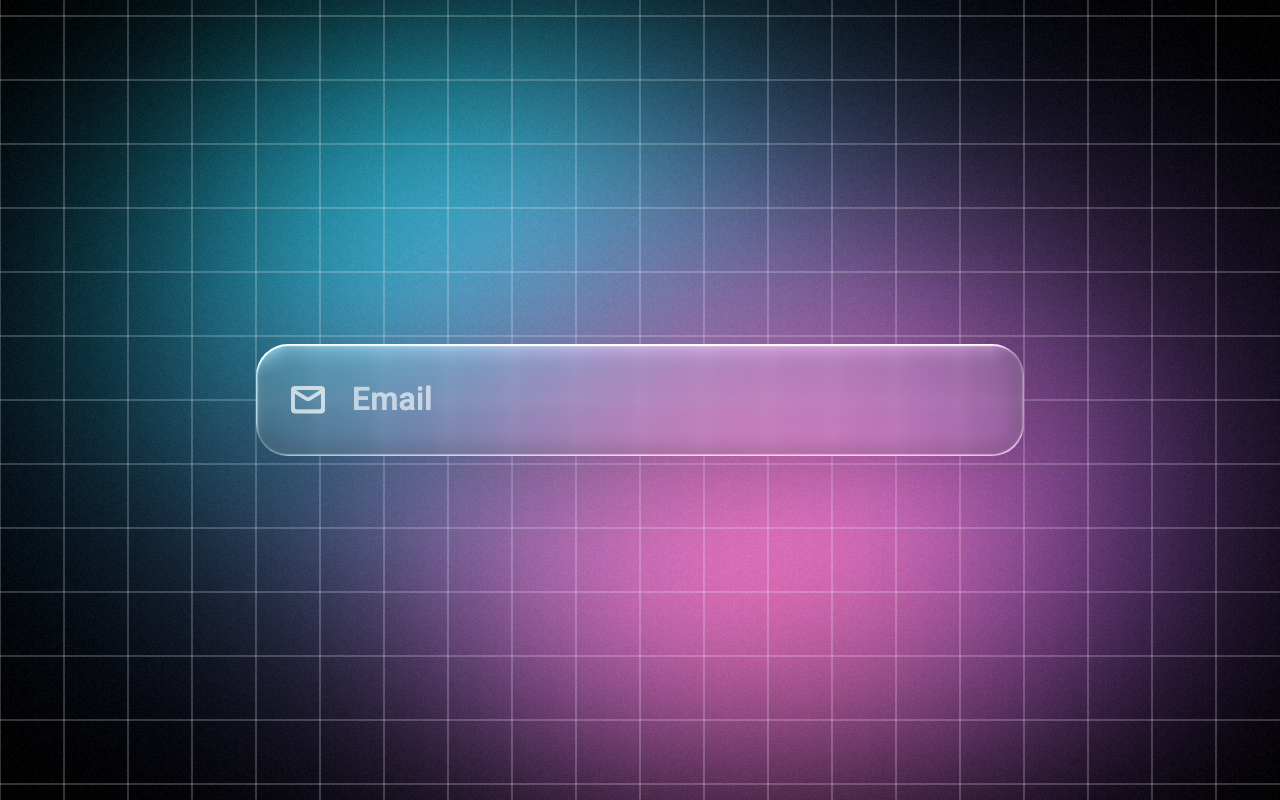
Loading Preview…
In the browser this Preview is drawn from a snapshot of the scene behind it. On iOS and Android the Export works on your real content, live.
Send to your coding agent
Add Sheen's MCP server once, then paste the prompt. No key or account needed.
claude mcp add --transport http sheen https://sheen.ciroapps.com/api/mcp
Use the Sheen MCP server to add the Glass Text Field Component to this Flutter app. Call get_export with componentId "glass-text-field" and parameters {"label":"Email","icon":"mail","accentColor":"A594FF","textColor":"FFFFFF","blur":6,"refraction":0.7,"tint":"FFFFFF","tintStrength":0.1,"rim":0.7,"cornerRadius":16,"glow":0.6,"shadow":0.3}, then follow the install steps it returns. (Tuned in the Sheen Playground: https://sheen.ciroapps.com/c/glass-text-field?label=Email&icon=mail&accentColor=A594FF&textColor=FFFFFF&blur=6&refraction=0.7&tint=FFFFFF&tintStrength=0.1&rim=0.7&cornerRadius=16&glow=0.6&shadow=0.3)