Parameters
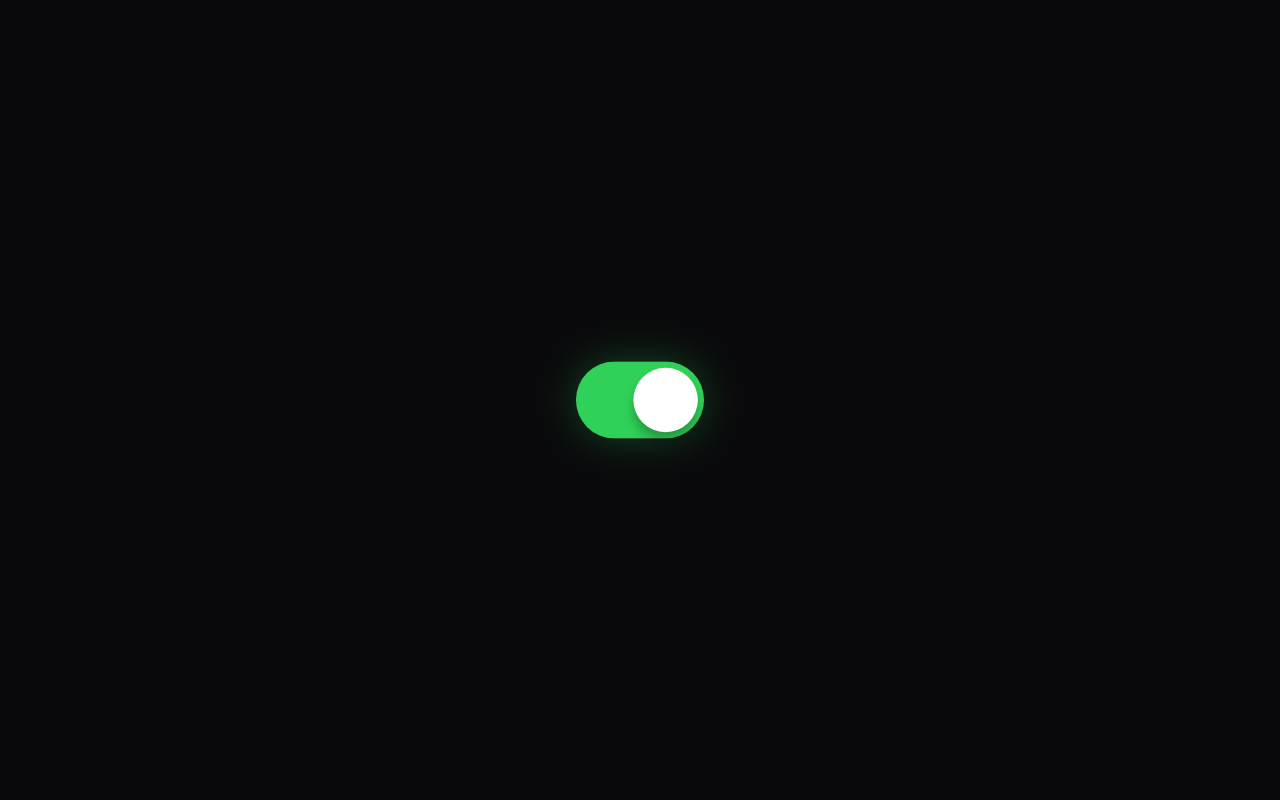
Whether it starts switched on. It keeps the user's choice after that, and follows this again whenever your code changes it.
The colour the track fills and glows with when on.
The colour of the track when off.
The width of the track in logical pixels; its height is 0.6 of this.
How much the knob elongates like a droplet in the middle of its travel. At 0 it stays round.
How much the knob overshoots and squashes against the end before it settles.
How strongly the track glows in the active colour when on.
A light selection click on each change, on phones that support it.
Loading Preview…
Send to your coding agent
Add Sheen's MCP server once, then paste the prompt. No key or account needed.
Run in your project (Claude Code)
claude mcp add --transport http sheen https://sheen.ciroapps.com/api/mcp
Then ask your agent
Use the Sheen MCP server to add the Liquid Toggle Component to this Flutter app. Call get_export with componentId "liquid-toggle" and parameters {"value":true,"activeColor":"30D158","trackColor":"3A3A3C","knobColor":"FFFFFF","width":64,"stretch":0.6,"bounciness":0.4,"glow":0.5,"haptics":true}, then follow the install steps it returns. (Tuned in the Sheen Playground: https://sheen.ciroapps.com/c/liquid-toggle?value=true&activeColor=30D158&trackColor=3A3A3C&knobColor=FFFFFF&width=64&stretch=0.6&bounciness=0.4&glow=0.5&haptics=true)