Parameters
Whether the pill starts open as a card. After a tap it keeps its own state, and follows this again only when it changes.
The activity's name, on the expanded card.
A line of detail under the title. Empty hides it.
A short live value, such as a timer or an ETA: at the end of the compact pill, and larger on the card.
How far along the activity is, in percent, shown by the card's progress bar. Changes animate.
The icon, the value, the progress bar and the glow.
The title and, a little dimmer, the subtitle.
How strongly a ring of the accent colour glows around the pill while the activity is live. 0 turns it off.
How much the morph overshoots and wobbles as it settles. 0 settles without overshoot.
Paints a breathing glowing rim in the status colour around the capsule, in place of the accent glow. It follows the capsule as it morphs; with reduced motion it is drawn still.
The colour of the status glow, such as amber for a delay or red for a problem. Used only while the status glow is on.
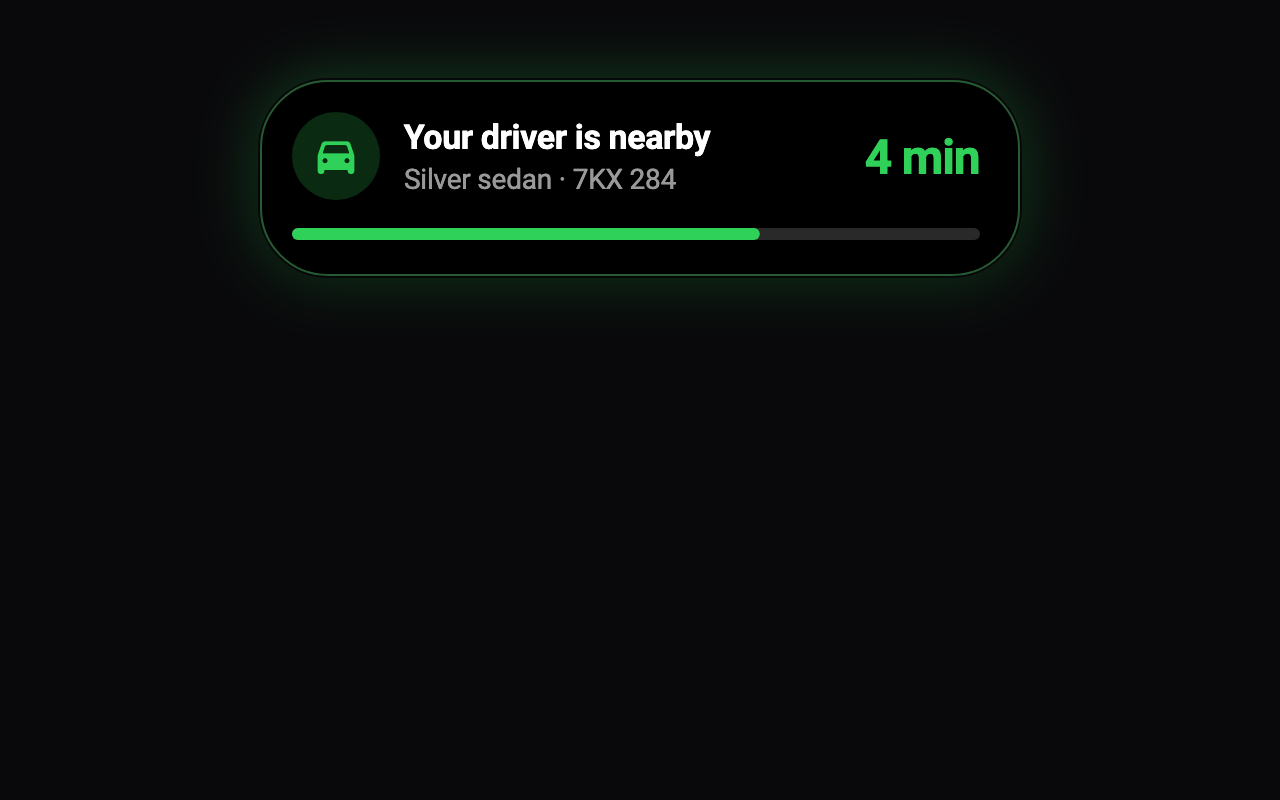
Loading Preview…
Send to your coding agent
Add Sheen's MCP server once, then paste the prompt. No key or account needed.
claude mcp add --transport http sheen https://sheen.ciroapps.com/api/mcp
Use the Sheen MCP server to add the Live Activity Pill Component to this Flutter app. Call get_export with componentId "live-activity-pill" and parameters {"expanded":true,"icon":"car","title":"Your driver is nearby","subtitle":"Silver sedan · 7KX 284","value":"4 min","progress":68,"accentColor":"30D158","textColor":"FFFFFF","glow":0.6,"bounciness":0.45,"statusGlow":false,"statusColor":"FF9F0A"}, then follow the install steps it returns. (Tuned in the Sheen Playground: https://sheen.ciroapps.com/c/live-activity-pill?expanded=true&icon=car&title=Your+driver+is+nearby&subtitle=Silver+sedan+%C2%B7+7KX+284&value=4+min&progress=68&accentColor=30D158&textColor=FFFFFF&glow=0.6&bounciness=0.45&statusGlow=false&statusColor=FF9F0A)