Parameters
The title centred in the bar, announced to screen readers as a heading.
How far the blur reaches below the status bar, in logical pixels: content is blurred most at the top edge and sharp again at this depth. Never shorter than the bar.
How much the content is blurred at the very top edge, as a blur radius in logical pixels. 0 leaves only the tint.
The colour the band is tinted with, strongest at the top and fading out with the blur. A dark tint keeps a light title readable.
How much of the tint shows at the top edge.
Turn off for a bare scroll edge that only blurs the content passing under the status bar.
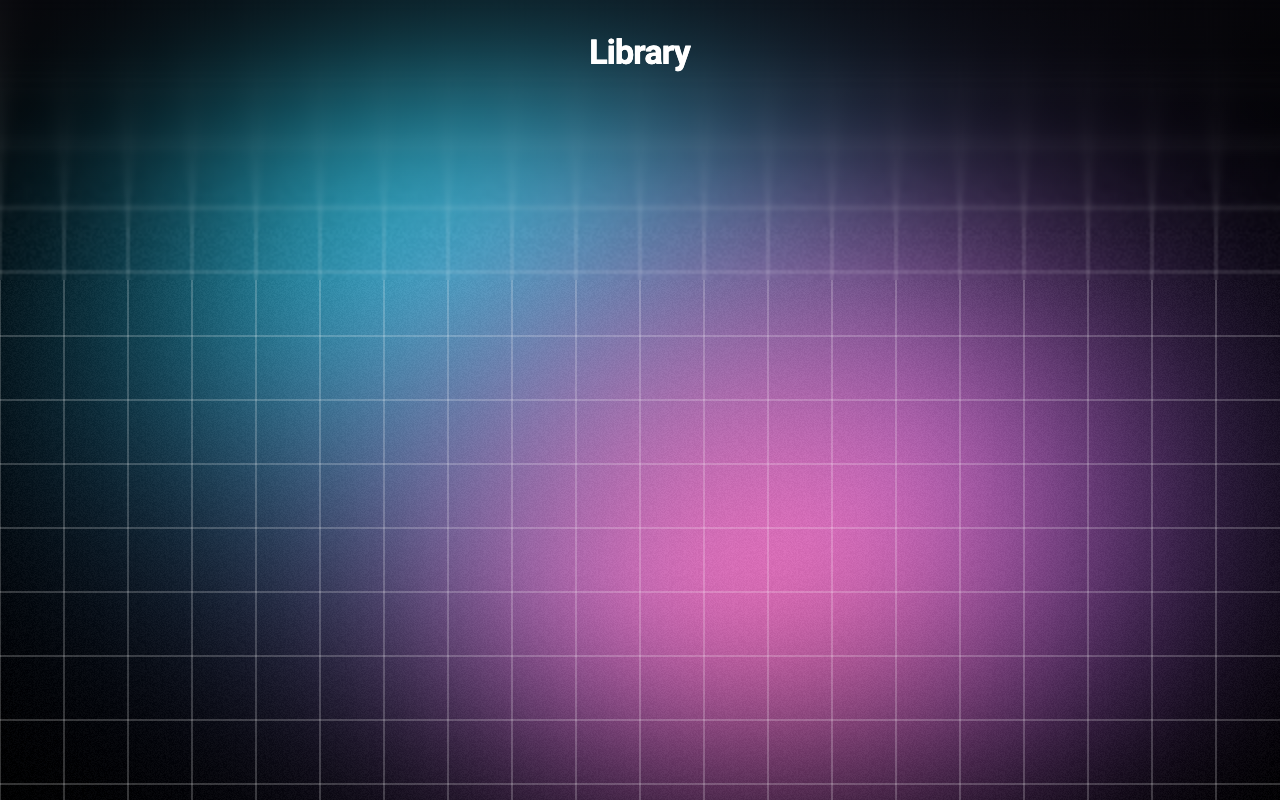
Loading Preview…
In the browser this Preview is drawn from a snapshot of the scene behind it. On iOS and Android the Export works on your real content, live.
Send to your coding agent
Add Sheen's MCP server once, then paste the prompt. No key or account needed.
claude mcp add --transport http sheen https://sheen.ciroapps.com/api/mcp
Use the Sheen MCP server to add the Progressive Blur Header Component to this Flutter app. Call get_export with componentId "progressive-blur-header" and parameters {"title":"Library","height":140,"maxBlur":28,"tint":"07060D","tintStrength":0.5,"titleColor":"FFFFFF","showTitle":true}, then follow the install steps it returns. (Tuned in the Sheen Playground: https://sheen.ciroapps.com/c/progressive-blur-header?title=Library&height=140&maxBlur=28&tint=07060D&tintStrength=0.5&titleColor=FFFFFF&showTitle=true)