Parameters
The send button once there is text, the caret and the busy stop button.
The bar's fill. With glass on it is drawn translucent.
The message, and dimmer, the placeholder, the attach button and the disabled send button.
Frosts what is behind the bar with a blur and a translucent fill, instead of a solid fill.
Draws the gradient edge: faint at rest, brighter and turning while the bar is focused or busy.
One of the two colours the rim blends between.
The other colour of the rim.
How strong the glow around the rim is while focused or busy; 0 leaves only the crisp rim.
28 makes a pill one line high.
How many lines the bar grows to before the text scrolls.
Seconds each suggestion stays before the next slides in. Holds still with reduced motion.
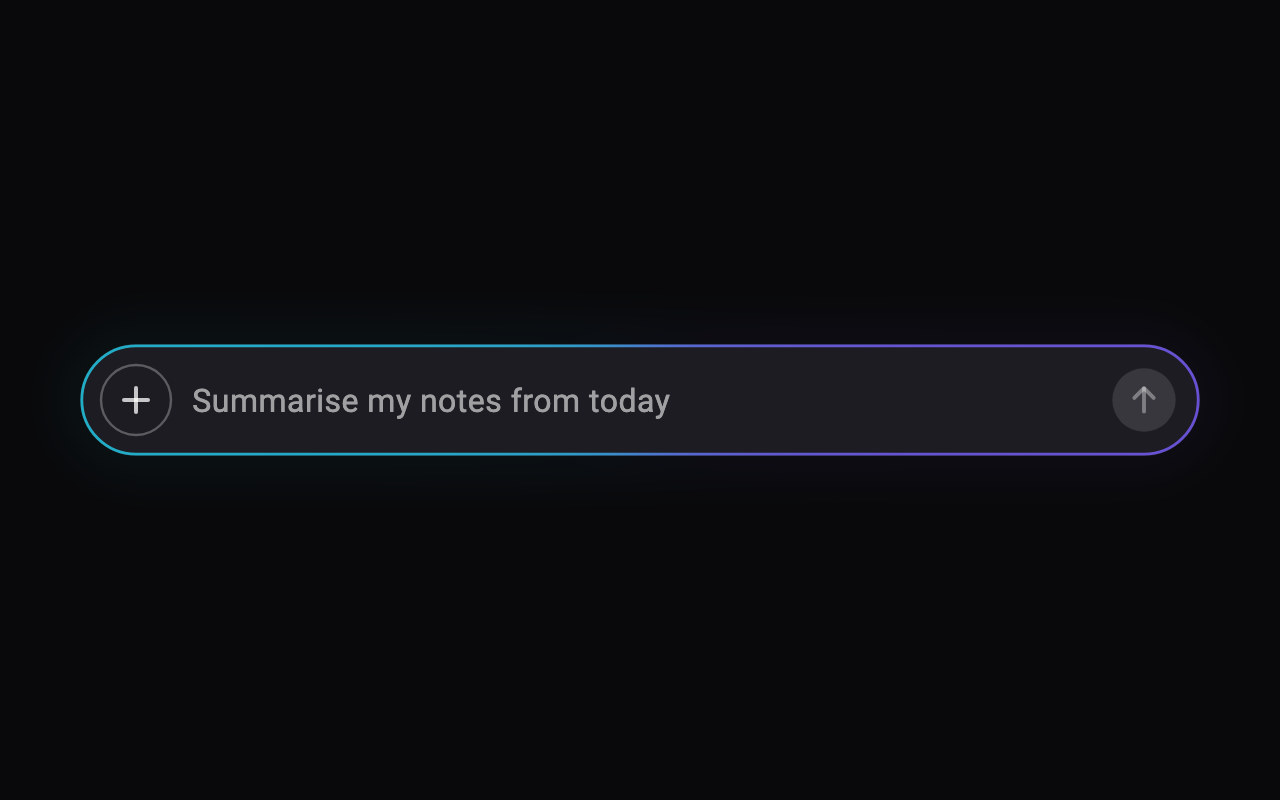
Loading Preview…
Send to your coding agent
Add Sheen's MCP server once, then paste the prompt. No key or account needed.
claude mcp add --transport http sheen https://sheen.ciroapps.com/api/mcp
Use the Sheen MCP server to add the Prompt Bar Component to this Flutter app. Call get_export with componentId "prompt-bar" and parameters {"accentColor":"6C4FFF","fillColor":"1C1C22","textColor":"FFFFFF","glass":false,"rim":true,"rimColorA":"7C5CFF","rimColorB":"22D3EE","rimGlow":0.7,"cornerRadius":28,"maxLines":5,"cycleSeconds":3}, then follow the install steps it returns. (Tuned in the Sheen Playground: https://sheen.ciroapps.com/c/prompt-bar?accentColor=6C4FFF&fillColor=1C1C22&textColor=FFFFFF&glass=false&rim=true&rimColorA=7C5CFF&rimColorB=22D3EE&rimGlow=0.7&cornerRadius=28&maxLines=5&cycleSeconds=3)