Parameters
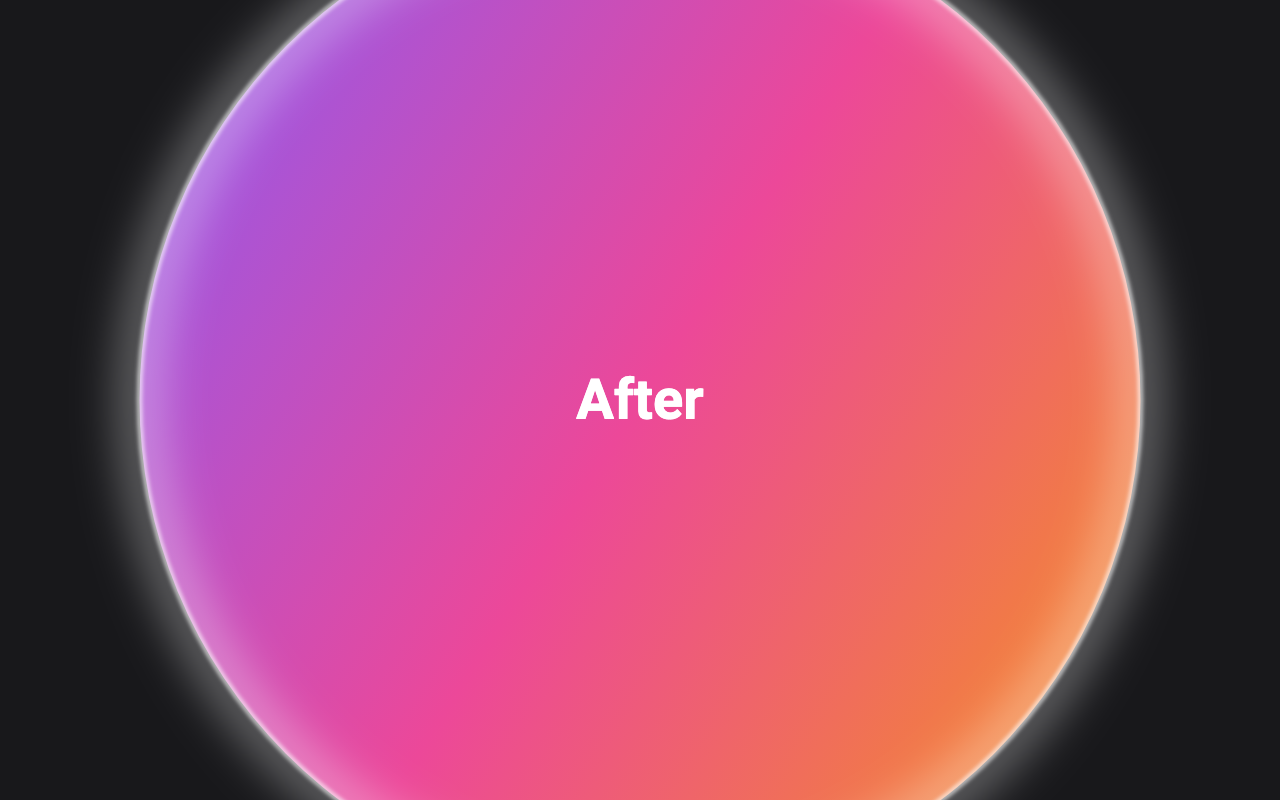
Whether the second view is shown. Switch it to play the reveal, and back to shrink it away.
Seconds the circle takes to grow over the whole area, or to shrink away.
How the circle speeds up and slows down as it grows.
Where the circle grows from.
How thick the bright core of the ring is; 0 leaves only the glow.
How strong and wide the soft light around the ring is; 0 is a crisp line.
Loading Preview…
Send to your coding agent
Add Sheen's MCP server once, then paste the prompt. No key or account needed.
Run in your project (Claude Code)
claude mcp add --transport http sheen https://sheen.ciroapps.com/api/mcp
Then ask your agent
Use the Sheen MCP server to add the Ripple Reveal Component to this Flutter app. Call get_export with componentId "ripple-reveal" and parameters {"revealed":true,"duration":0.9,"curve":"easeInOut","origin":"center","ringColor":"FFFFFF","ringWidth":3,"glow":0.6}, then follow the install steps it returns. (Tuned in the Sheen Playground: https://sheen.ciroapps.com/c/ripple-reveal?revealed=true&duration=0.9&curve=easeInOut&origin=center&ringColor=FFFFFF&ringWidth=3&glow=0.6)