Parameters
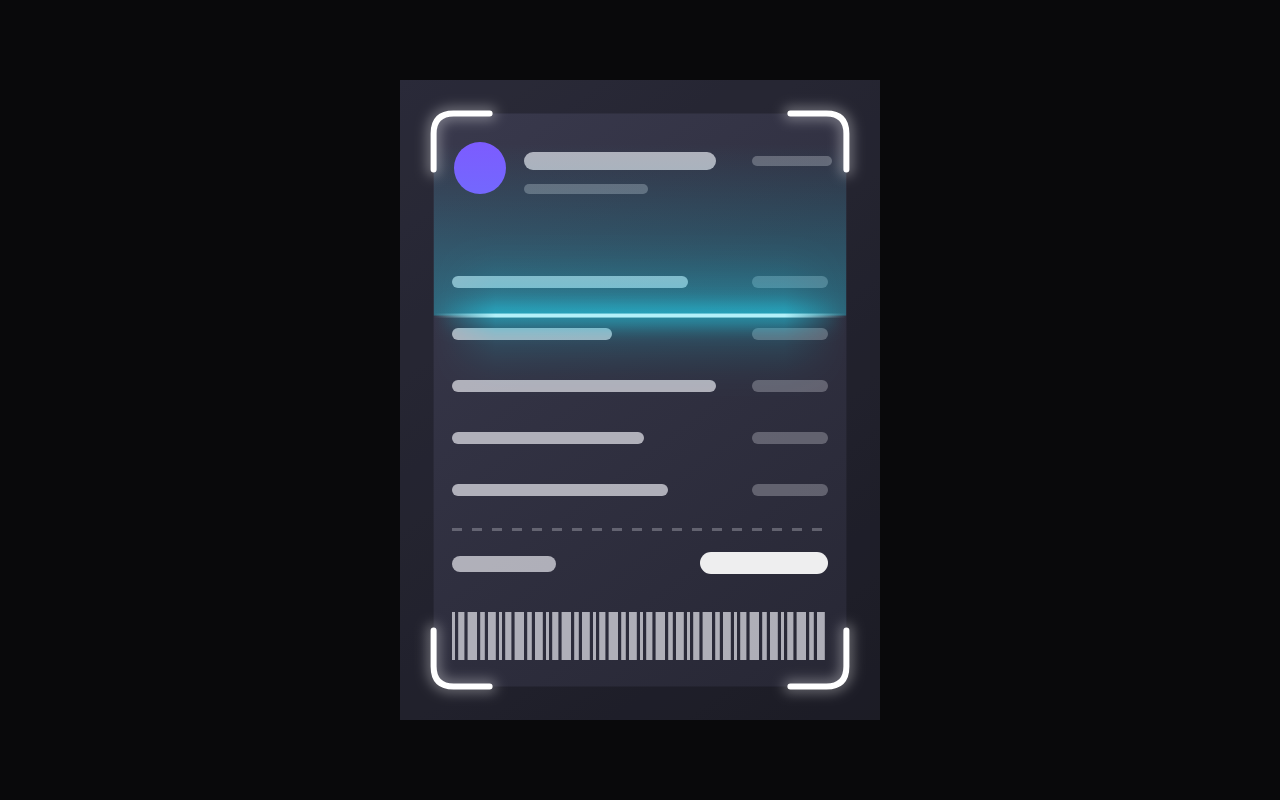
Scan sweeps a line over the child until done. Reveal follows the progress value instead: sharp above the line, blurred and dimmed below.
How far the reveal has got, from 0 to 1; the line moves smoothly to a new value. Used in reveal mode.
Turn it on when scanning has finished: the brackets snap tight with a brief brighten and turn green, the line fades and the result card rises.
The built-in picture drawn when the Component has no child of its own.
Down sweeps top to bottom and starts again from the top; bounce goes back up the same way.
Seconds one sweep from top to bottom takes.
The colour of the four corner brackets while scanning.
The colour of the scan line, its glow and the trail behind it.
The colour the brackets turn when the scan is done.
How far each bracket runs along the edge from its corner.
The stroke width of the brackets.
How round the brackets' corners are.
How strongly the picture is dimmed outside the brackets in scan mode, or below the line in reveal mode.
Shows a percentage chip riding the line in reveal mode.
Loading Preview…
Send to your coding agent
Add Sheen's MCP server once, then paste the prompt. No key or account needed.
claude mcp add --transport http sheen https://sheen.ciroapps.com/api/mcp
Use the Sheen MCP server to add the Scan Overlay Component to this Flutter app. Call get_export with componentId "scan-overlay" and parameters {"mode":"scan","progress":0.6,"done":false,"sample":"document","sweepStyle":"down","sweepDuration":2.4,"bracketColor":"FFFFFF","lineColor":"22D3EE","doneColor":"34D399","bracketLength":28,"bracketThickness":3,"bracketRadius":10,"dim":0.5,"showPercentage":true}, then follow the install steps it returns. (Tuned in the Sheen Playground: https://sheen.ciroapps.com/c/scan-overlay?mode=scan&progress=0.6&done=false&sample=document&sweepStyle=down&sweepDuration=2.4&bracketColor=FFFFFF&lineColor=22D3EE&doneColor=34D399&bracketLength=28&bracketThickness=3&bracketRadius=10&dim=0.5&showPercentage=true)