Parameters
How many steps show: the first few of the labels you give it.
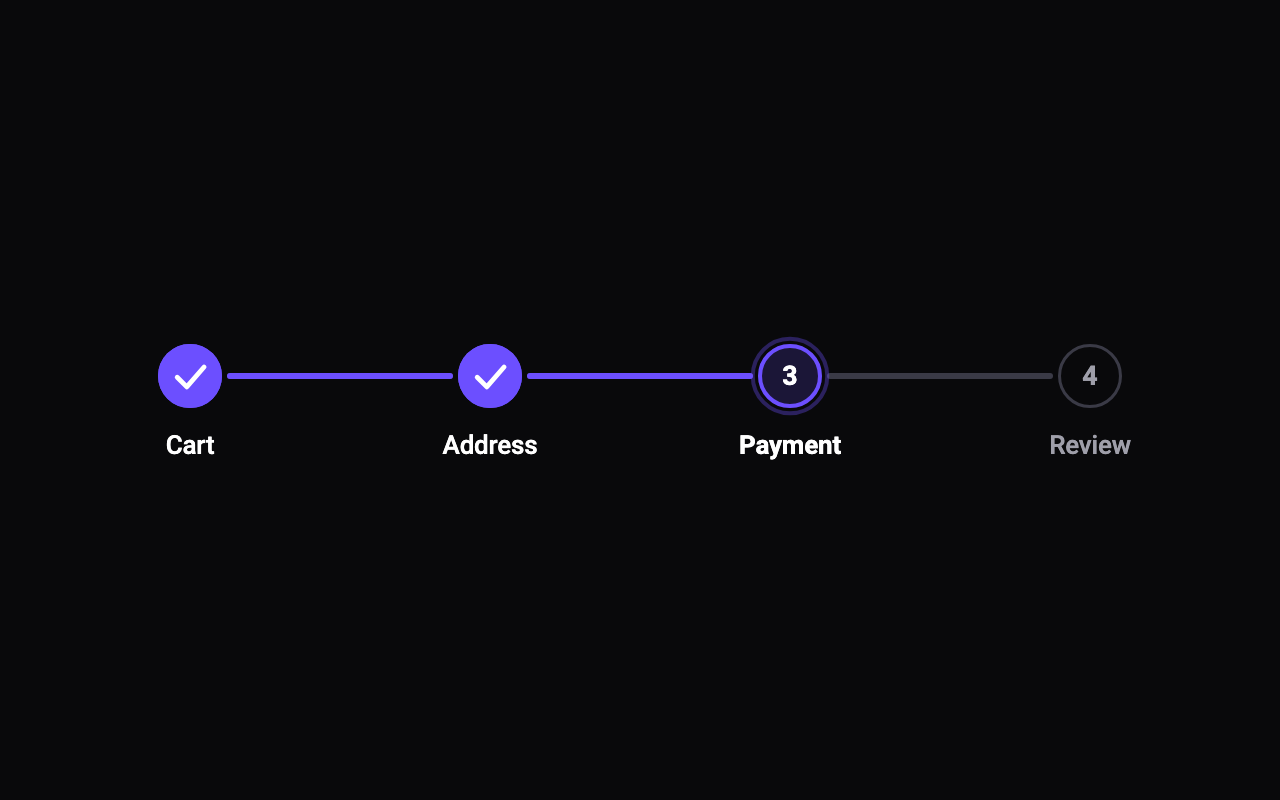
The step the user is on, counting from 0. Earlier steps are finished; at or past the last step, every step is. Change it to watch the line fill and the checks draw.
The colour of finished steps, the filling line and the current step's ring.
The colour of the line before it fills and of upcoming steps' outlines.
The colour of upcoming steps' numbers and labels.
The colour of the labels of finished and current steps, and of the current number.
The diameter of each step marker. Markers shrink where the steps would otherwise touch.
Shows each step's name under its marker (beside it when vertical).
Runs the steps top to bottom, with labels beside the markers.
Pulses the current step's ring a few times when it arrives.
How long the fill takes to cross from one step to the next.
Loading Preview…
Send to your coding agent
Add Sheen's MCP server once, then paste the prompt. No key or account needed.
claude mcp add --transport http sheen https://sheen.ciroapps.com/api/mcp
Use the Sheen MCP server to add the Step Progress Component to this Flutter app. Call get_export with componentId "step-progress" and parameters {"stepCount":4,"current":2,"accentColor":"6C4FFF","trackColor":"3A3A46","textColor":"9F9FAA","activeTextColor":"FFFFFF","markerSize":32,"showLabels":true,"vertical":false,"pulse":true,"duration":0.6}, then follow the install steps it returns. (Tuned in the Sheen Playground: https://sheen.ciroapps.com/c/step-progress?stepCount=4¤t=2&accentColor=6C4FFF&trackColor=3A3A46&textColor=9F9FAA&activeTextColor=FFFFFF&markerSize=32&showLabels=true&vertical=false&pulse=true&duration=0.6)