Parameters
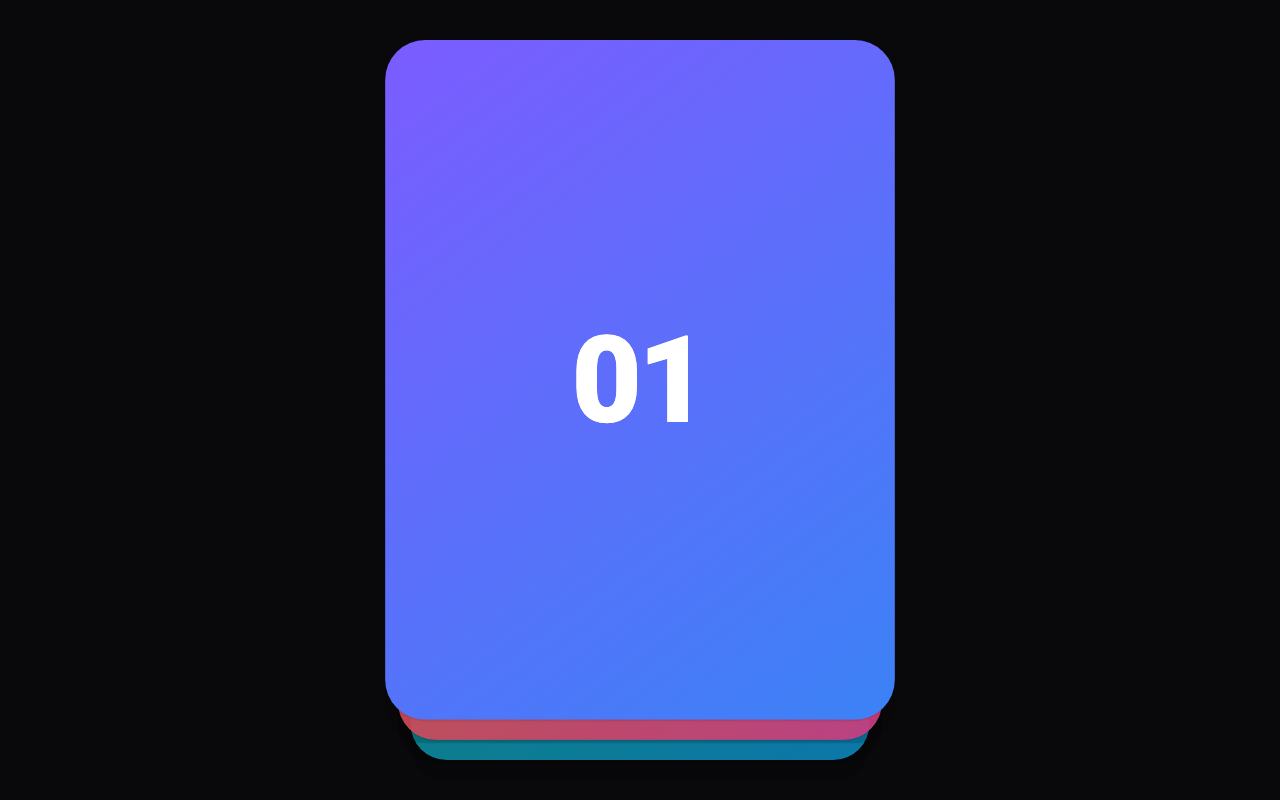
How many cards show in the stack, the top one included.
How far the top card tilts, in degrees, when dragged a full card width. 0 keeps it upright.
How far below each other the cards behind sit, in logical pixels.
How much smaller each card behind is than the one in front, as a fraction of its size.
How far the top card must be dragged before letting go swipes it, as a fraction of its width. A quick flick swipes it from anywhere.
Swiped cards go to the back of the stack instead of leaving it. Off, the stack empties once every card is swiped.
Loading Preview…
Send to your coding agent
Add Sheen's MCP server once, then paste the prompt. No key or account needed.
Run in your project (Claude Code)
claude mcp add --transport http sheen https://sheen.ciroapps.com/api/mcp
Then ask your agent
Use the Sheen MCP server to add the Swipe Card Stack Component to this Flutter app. Call get_export with componentId "swipe-card-stack" and parameters {"visibleCards":3,"rotation":12,"stackOffset":12,"scaleStep":0.05,"cornerRadius":24,"threshold":0.4,"loop":true}, then follow the install steps it returns. (Tuned in the Sheen Playground: https://sheen.ciroapps.com/c/swipe-card-stack?visibleCards=3&rotation=12&stackOffset=12&scaleStep=0.05&cornerRadius=24&threshold=0.4&loop=true)