Parameters
Which edge the toasts sit against. New ones slide in from that edge and older ones tuck away from it.
How many toasts show while the stack is folded; older ones fade out behind them. Fanned open it shows up to eight.
Glass frosts whatever is behind each toast; solid is opaque with a soft shadow.
The colour of each toast. In the glass style it is translucent.
Titles, and the close button. Messages are a little dimmer.
The spinner, the info dot and the action button's fill. Its label turns white or near-black, whichever reads better.
The ring and check of a success toast.
The ring and cross of an error toast.
The radius of each toast's corners.
Seconds a toast stays before dismissing itself. A toast that is loading stays until it changes; the countdown pauses while the stack is open or a toast is touched. A toast can also be shown with its own duration.
The space between toasts when the stack is fanned open; folded, how far each older toast peeks out behind the one in front (between 4 and 16).
Plays a looping sample sequence of toasts so you can see the stack move. It only runs when the stack has no child and no controller, as in this Playground; in an app, which always has a child, it does nothing.
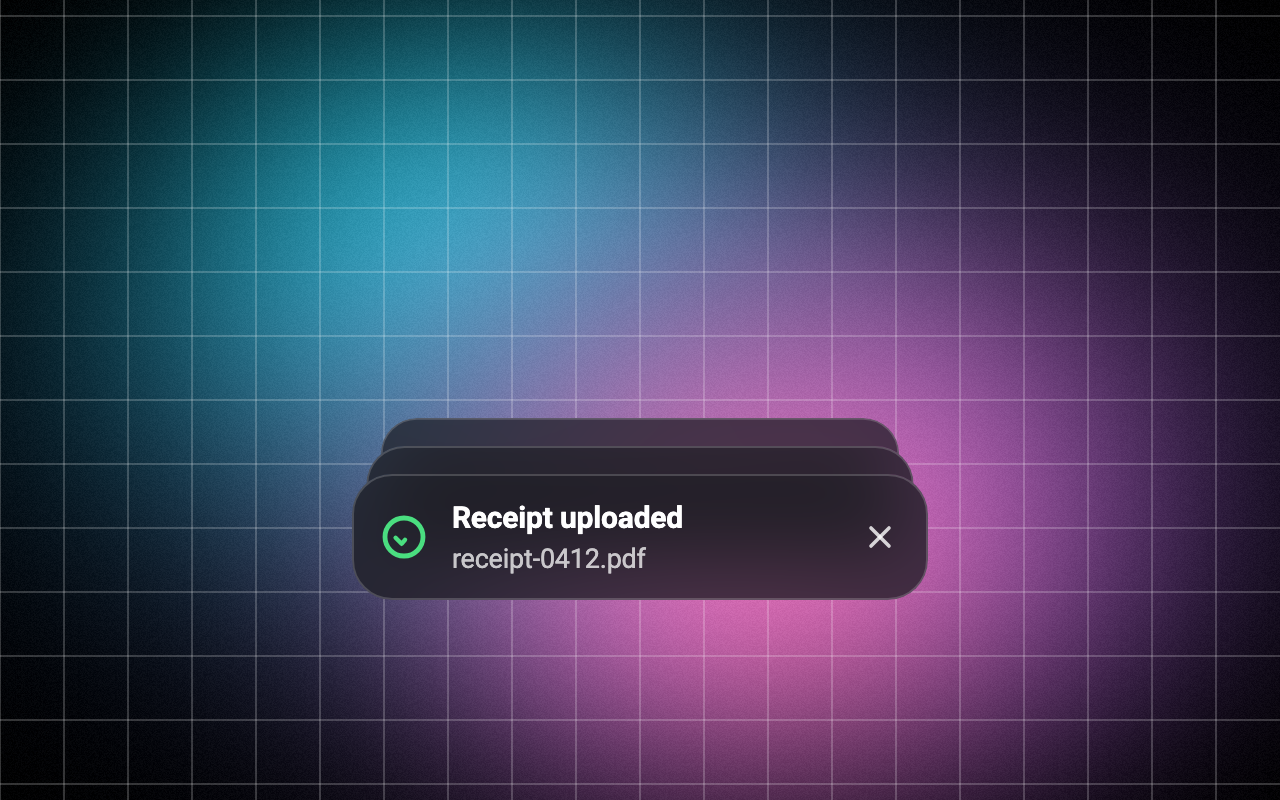
Loading Preview…
In the browser this Preview is drawn from a snapshot of the scene behind it. On iOS and Android the Export works on your real content, live.
Send to your coding agent
Add Sheen's MCP server once, then paste the prompt. No key or account needed.
claude mcp add --transport http sheen https://sheen.ciroapps.com/api/mcp
Use the Sheen MCP server to add the Toast Stack Component to this Flutter app. Call get_export with componentId "toast-stack" and parameters {"position":"bottom","maxVisible":3,"style":"glass","surfaceColor":"1C1C22","textColor":"FFFFFF","accentColor":"6C4FFF","successColor":"4ADE80","errorColor":"F87171","cornerRadius":20,"duration":4,"gap":14,"demo":true}, then follow the install steps it returns. (Tuned in the Sheen Playground: https://sheen.ciroapps.com/c/toast-stack?position=bottom&maxVisible=3&style=glass&surfaceColor=1C1C22&textColor=FFFFFF&accentColor=6C4FFF&successColor=4ADE80&errorColor=F87171&cornerRadius=20&duration=4&gap=14&demo=true)