Parameters
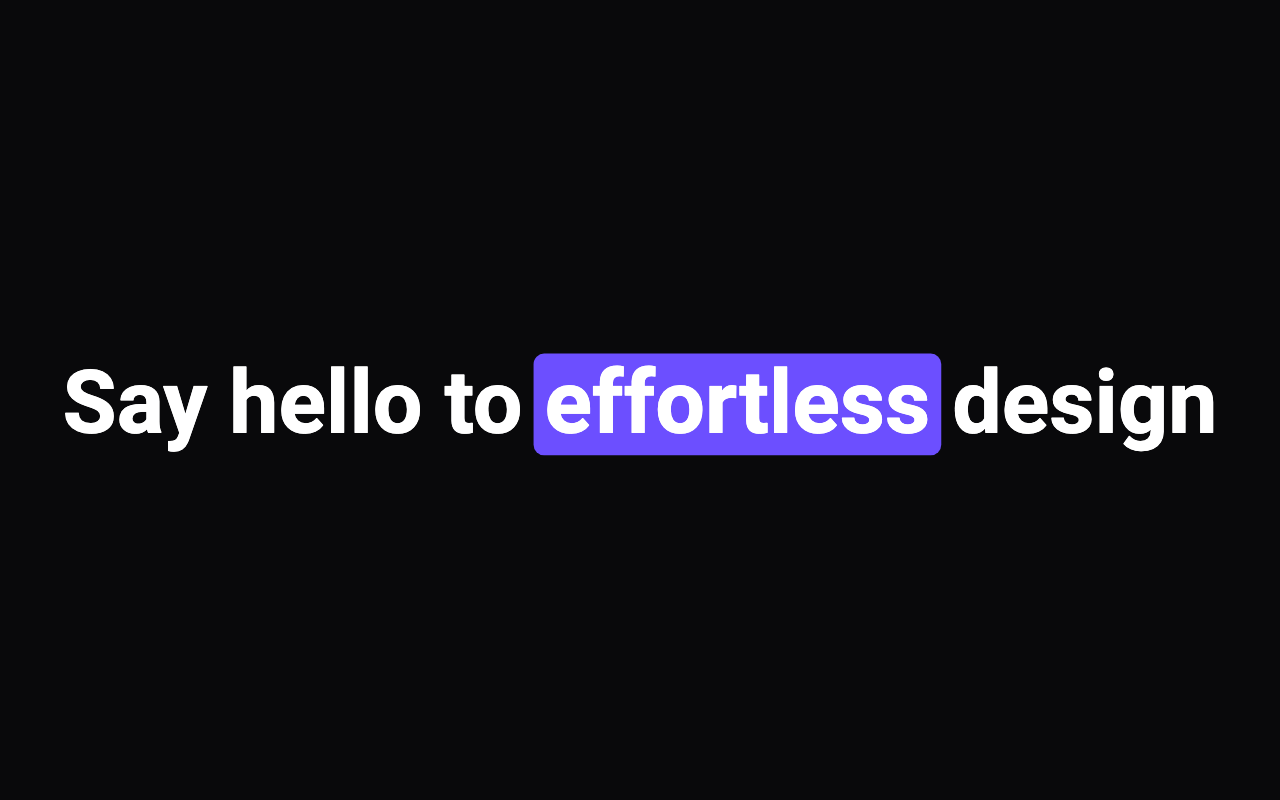
The words shown. In the marker style, words wrapped in *asterisks* get the highlighter band; the asterisks are never shown.
blurIn: words sharpen from a blur one after another. karaoke: all words dim, a highlight follows them like captions. marker: a highlighter band wipes in behind the *starred* words.
Seconds between one word starting and the next (blur-in), or between one marked word's band starting and the next (marker).
Seconds one word's reveal, or one band's wipe, takes.
How blurred a word is before it sharpens, as a radius in pixels (blur-in only).
The colour of words once revealed or spoken.
The colour of karaoke words not yet reached.
The marker band, and in karaoke the box behind the current word.
The size of the letters, before the app's text scale.
How the lines sit; start and end flip in a right-to-left app.
How fast karaoke plays when the app doesn't drive it with progress.
Plays the reveal as soon as it appears. Off, blur-in and marker show the finished text and karaoke waits, dim, for progress.
Plays again after a pause, fading out in between.
Loading Preview…
Send to your coding agent
Add Sheen's MCP server once, then paste the prompt. No key or account needed.
claude mcp add --transport http sheen https://sheen.ciroapps.com/api/mcp
Use the Sheen MCP server to add the Word Reveal Text Component to this Flutter app. Call get_export with componentId "word-reveal-text" and parameters {"text":"Say hello to *effortless* design","style":"marker","stagger":0.12,"duration":0.7,"blur":10,"textColor":"FFFFFF","dimColor":"7A7A85","highlightColor":"6C4FFF","fontSize":44,"weight":"bold","alignment":"center","wordsPerMinute":160,"autoplay":true,"loop":true}, then follow the install steps it returns. (Tuned in the Sheen Playground: https://sheen.ciroapps.com/c/word-reveal-text?text=Say+hello+to+*effortless*+design&style=marker&stagger=0.12&duration=0.7&blur=10&textColor=FFFFFF&dimColor=7A7A85&highlightColor=6C4FFF&fontSize=44&weight=bold&alignment=center&wordsPerMinute=160&autoplay=true&loop=true)