Parameters
The segment selected at first, counting from 0. Past the last segment, the last one is selected.
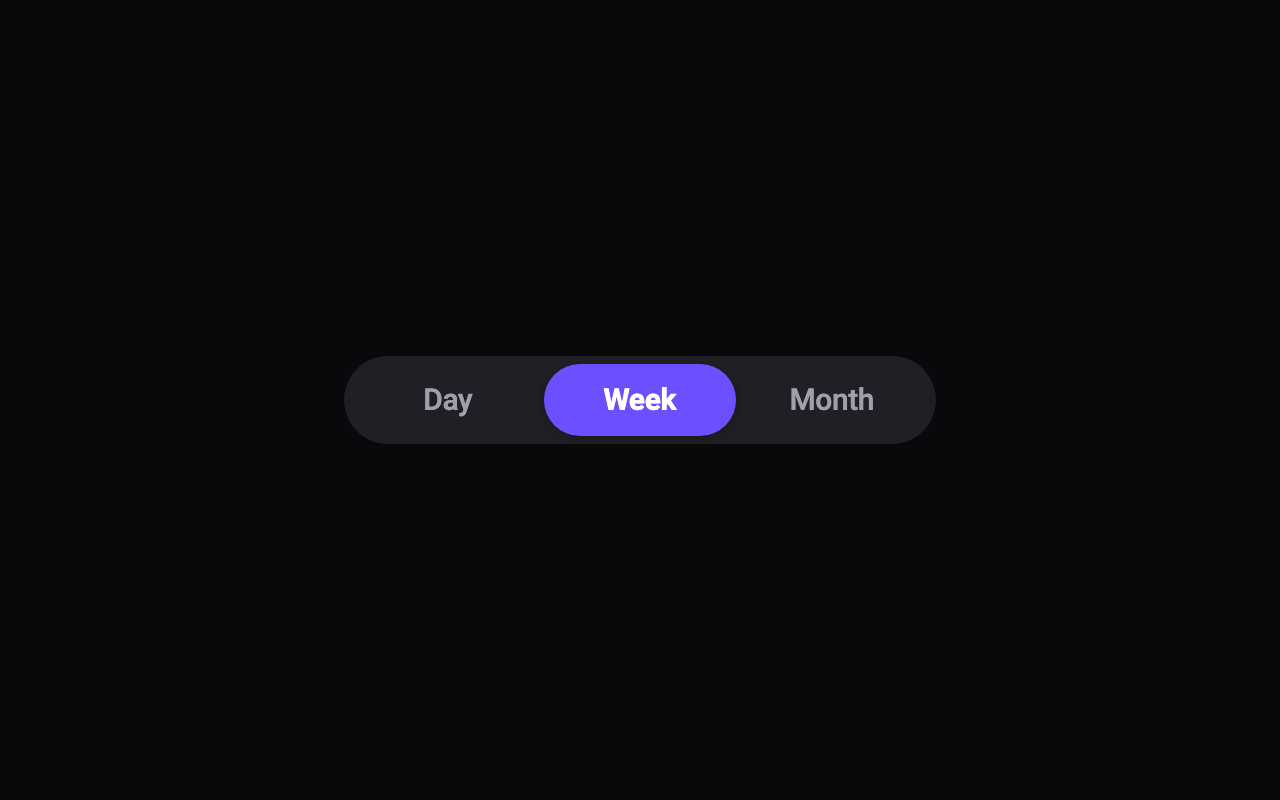
The colour of the selection pill.
The colour of the labels that aren't selected.
The radius of the track's corners; the pill's follow just inside. 22 makes a pill at the default text size.
How much the pill overshoots and stretches as it moves between segments.
A light selection click each time the selection moves to another segment, on phones that support it.
Loading Preview…
Send to your coding agent
Add Sheen's MCP server once, then paste the prompt. No key or account needed.
Run in your project (Claude Code)
claude mcp add --transport http sheen https://sheen.ciroapps.com/api/mcp
Then ask your agent
Use the Sheen MCP server to add the Segmented Control Component to this Flutter app. Call get_export with componentId "segmented-control" and parameters {"segmentCount":3,"selected":1,"label1":"Day","label2":"Week","label3":"Month","label4":"Year","label5":"All","trackColor":"1F1F25","pillColor":"6C4FFF","textColor":"9F9FAA","selectedTextColor":"FFFFFF","cornerRadius":22,"bounciness":0.4,"haptics":true}, then follow the install steps it returns. (Tuned in the Sheen Playground: https://sheen.ciroapps.com/c/segmented-control?segmentCount=3&selected=1&label1=Day&label2=Week&label3=Month&label4=Year&label5=All&trackColor=1F1F25&pillColor=6C4FFF&textColor=9F9FAA&selectedTextColor=FFFFFF&cornerRadius=22&bounciness=0.4&haptics=true)